
Keep investors informed.Keep access under control.

Build investor reports and settlement statements from the same reconciled record. Reuse agreed calculations and share approved information under each recipient’s permissions.

Contact

Explore the foundation

Client portal / Access by role

The right view for each role.

Access policy

Your allocated portfolio

RecordAccess
Approved reportView + export
Daily returnsView
Orders + cancellationsRestricted
Working adjustmentsRestricted
Scoped by portfolioAccess can be revoked
Access is limited to the portfolios and actions assigned to each role.
01

Approved reports and settlement statements

02

Recipient-specific portal views

03

Exports from the same reconciled record

Product view

A clear view for the intended recipient.

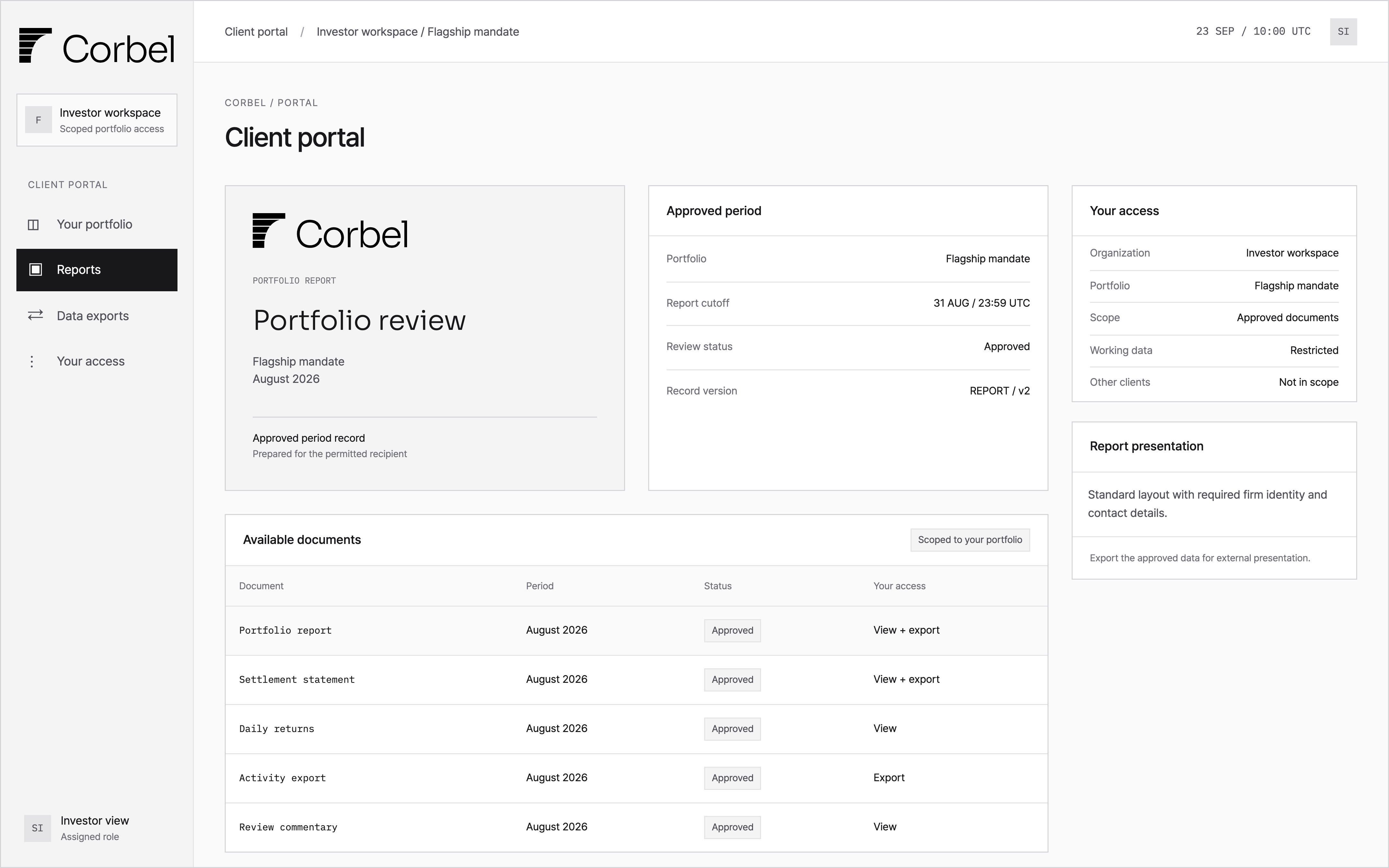
Review approved reports and settlement statements for the selected portfolio, with the recipient’s access scope alongside them.

Client portal showing approved portfolio reports, settlement statements and separate viewing and export permissions.
Approved reporting period
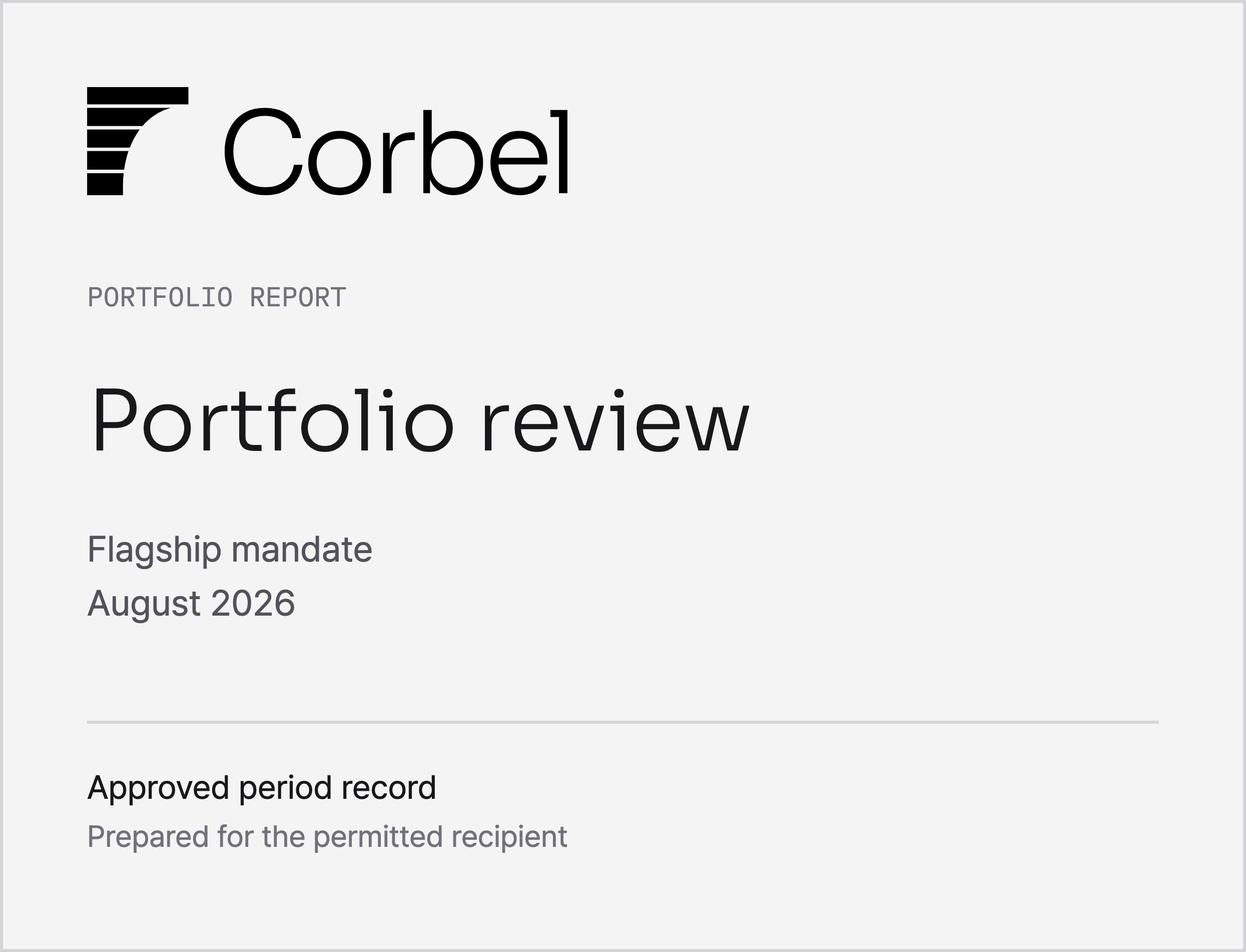
Standard presentation
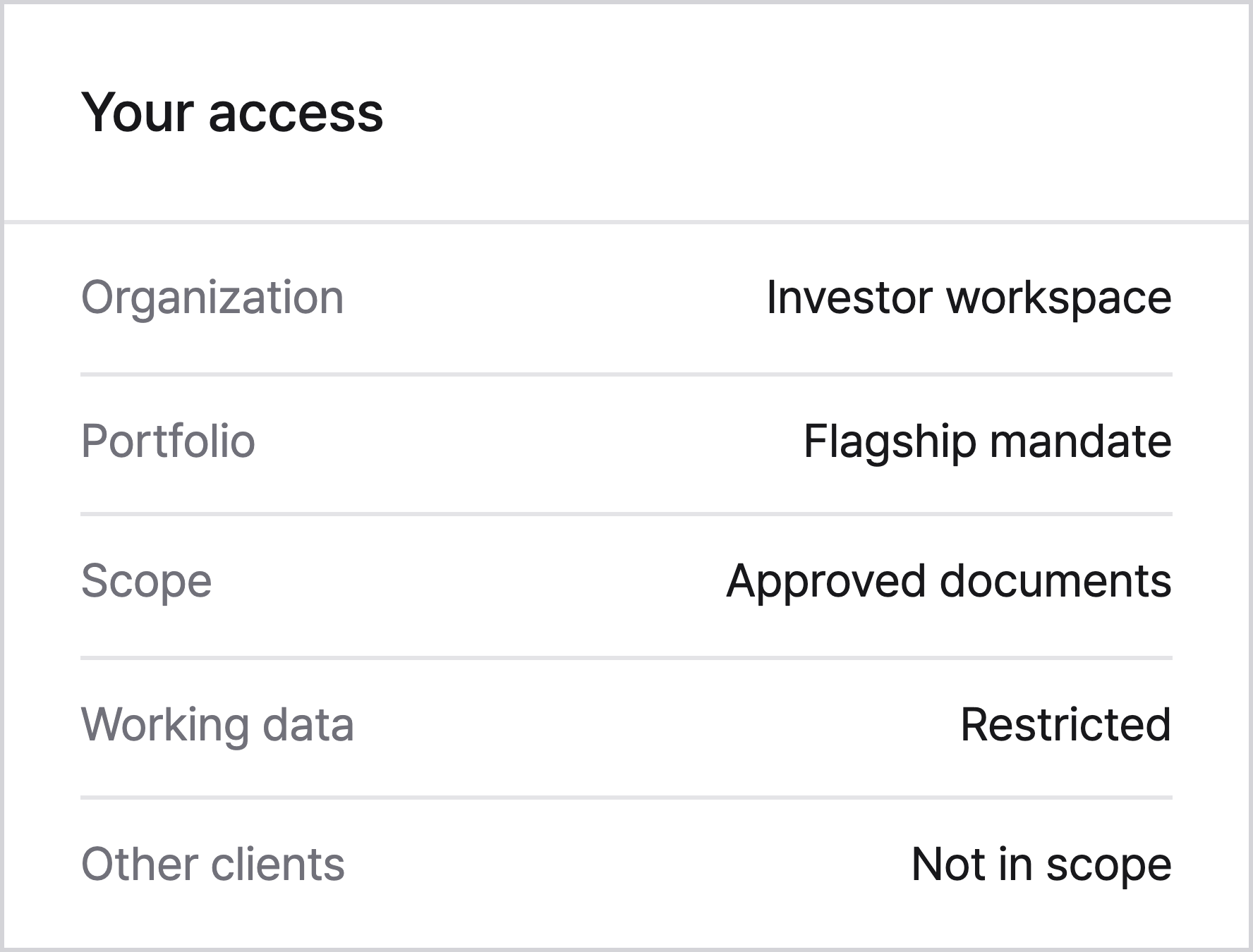
Portfolio-specific access

What it covers

The reporting burden starts long before the final layout.

Use reconciled activity, agreed fee rules and existing calculations to prepare a consistent reporting cycle. Keep approvals and recipient access attached to the resulting records.

Prepare reports and statements

Build reports and settlement statements from reconciled records. Reuse agreed external calculations with their source, version and existing approvals.

  • Orders, cancellations, fills and cash activity
  • Daily returns and agreed fee calculations
  • Source records, statement versions and approvals

Keep each reporting cycle consistent

Set periods and cutoffs once. Use standard layouts with your firm identity, and export the underlying data for your own presentation tools.

  • Daily through annual, or a custom period
  • Firm name, logo and contact details
  • Versioned CSV and agreed export formats

Deliver to the right recipient

Give each recipient access to approved documents for their portfolio. Keep working records separate and review permissions when responsibilities change.

  • Client, portfolio and document scope
  • Separate viewing and export permissions
  • Access expiry, revocation and history

In practice

One approved period. The right documents for each recipient.

For the monthly close, Corbel brings reconciled activity and approved fee calculations into the portfolio report and settlement statement. The recipient sees approved documents for their portfolio, while new or changed items stay in review.

01

Prepare

Use reconciled activity and existing approved calculations.

02

Review

Review new or changed items while retaining existing approvals.

03

Deliver

Release approved documents with viewing and export permissions.

04

Maintain

Keep versions, access history and expiry together.

Implementation

Plan your implementation.

Define the inputs, responsibilities and checks for your operation.

Your inputs
Recipients, reporting periods, contract and fee rules, reference sources, approval roles and required identity fields.
Corbel configures
Report and settlement statement production, reuse of external calculations, exports and portal permissions.
Validation & controls
Check calculations, approvals and recipient access. Standard layouts include firm identity; use exports for custom presentation.

Corbel, configured for you

We build reporting around your records and recipients.

Share your reporting obligations and existing calculations. We’ll map the records, approval cycle and recipient access.

Contact

Your privacy

Cookie settings

Choose whether to allow optional analytics on this website.

Your saved choice

Essential

When available, browser storage remembers your choice. This preference is kept in your browser and is not sent to an analytics provider.

Optional analytics

Off

Optional analytics is not enabled on this site.